
Why I Choose MS Access Cloud Hosting for My Business
Have you ever wondered whether a traditional office server is still the best place to run a critical database?
I moved my core systems to ms access cloud hosting because stability and speed mattered more than routine hardware upkeep. I use a professional microsoft access database to keep team workflows smooth and reliable.
The change cut downtime and boosted productivity. Every access database I manage now runs on high-speed servers that make everyday tasks faster. My microsoft access choice lets people get needed records from anywhere, on any device.
I value strong security and simple scaling. The platform gave me control over proprietary records while reducing maintenance work. That means I can focus on growing the business, not fixing servers.
Key Takeaways
- Moving to ms access cloud hosting improved stability and uptime for my systems.
- A professional microsoft access database enables global, device-agnostic access to records.
- High-speed servers reduced daily friction and sped up workflows.
- Security and control over data helped me scale without extra hardware.
- Choosing the right provider is essential to unlock full software potential.
Why I Choose MS Access Cloud Hosting for My Business
I switched my core database to an online service that lets me run Microsoft Access without bulky local servers.
The main benefit was immediate simplification. I could use microsoft access online without expensive hardware upgrades or complex local network setups. That change cut setup time and lowered my operating costs.
The platform supports seamless team integration. When I choose to use microsoft access for daily tasks, everyone sees the same forms and reports. That consistency makes training faster and reduces errors.
- I can access online resources from any location, which changed how I manage records.
- Using Microsoft on any device — laptop or tablet — keeps my team productive on the road.
- The provider offers a stable environment for critical apps, so I stay competitive and agile.
“My ability to run core apps remotely freed me to focus on growth, not servers.”
If you want to see how this works for your workflows, schedule a live demonstration with us. I’ll walk you through real examples and answer your questions.
Understanding the Shift to Cloud Computing
Running Windows software from a secure remote server changed how my team uses our databases.
Defining Cloud Computers
I describe cloud computers as remote Windows machines hosted in secure data centers. They let me run microsoft access and other tools exactly as I would on a local PC.
This means my team gets a consistent environment. Everyone sees the same forms, reports, and permissions no matter where they log in.
The Role of Cloud Desktops
Cloud desktops simplify IT by removing the need to maintain local servers for our databases. The remote servers do heavy processing and keep files safe.
Using microsoft access on these machines keeps behavior identical to a desktop install. Training is easier and new users ramp up faster.
“Shifting to remote desktops let me focus on business goals instead of fixing workstations.”
- I run access databases from a secure center so my hardware stays free for other tasks.
- Cloud desktops give all users the same software experience and reduce troubleshooting.
- The move to this computing model was smooth and predictable for daily operations.
How MS Access Cloud Hosting Transforms Data Management
Switching my database to a hosted Microsoft environment changed how I handle records and workflows.
I saw immediate improvements in performance and security. Running microsoft access online gave my team faster queries and fewer interruptions.
Using microsoft access in a hosted setup lets me leverage advanced infrastructure. This ensures applications run smoothly for every user and reduces strain on local computers.
The solution also boosts collaboration. Multiple team members can work in the same database at once without conflicts.
- Scalability: I can scale resources up or down to control costs and meet demand.
- Security: built-in protections guard sensitive data from threats.
- Support: customer teams help resolve issues so my workflows stay uninterrupted.
“The move to using cloud computing let me streamline processes and run my business with more confidence.”
This approach to data management is a practical solution for businesses that need reliable performance, easy collaboration, and measured costs.
Seamless Migration of Your Existing Databases
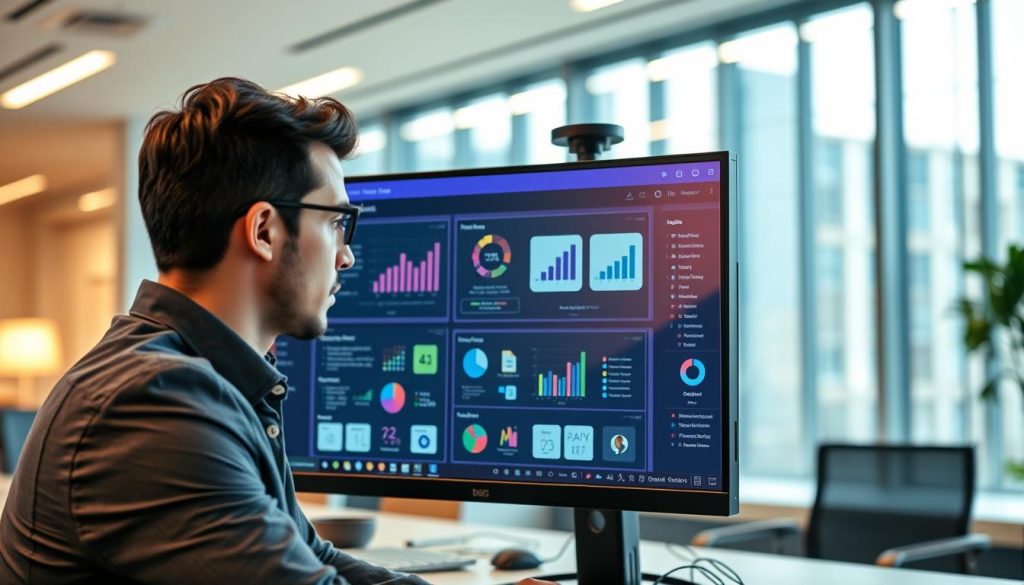
I transferred my production database as-is and avoided costly redesign or rewrites.
I wanted a straight move with zero disruption. The team moved my microsoft access database to a remote server without changing tables, forms, or reports. Work continued as usual the next day.
The migration to microsoft access online was smooth. I did not need to rebuild complex queries or update linked files. That kept my management workflows stable and predictable.
Moving Databases As-Is
The provider preserved file integrity and handled the transfer professionally. I kept my existing databases exactly as they were and avoided downtime.
- I moved my microsoft access database without making changes, which saved time and effort.
- The process was seamless, letting daily operations continue uninterrupted.
- Keeping original structures meant reports and permissions stayed intact.
“Maintaining my current setup while gaining remote benefits was the key reason I chose this solution.”
Enhancing Team Collaboration Across Locations
Giving everyone the same live environment transformed how my staff works together across time zones.
Cloud computers let my teams use a centralized database from multiple places at once. I found that using microsoft access in this setup significantly improved collaboration. With access online, multiple users can connect and see the same records in real time.
The shared environment keeps data current and cuts version confusion. I trust this approach when teams need to update the same rows at the same time. It removes delays that used to come from email-based file sharing.
- I can manage records centrally while teams collaborate without conflict.
- Multiple users get consistent views, which reduces errors and rework.
- This solution keeps my business workflows moving, even when people are remote.
“Real-time collaboration across locations made our daily tasks faster and more reliable.”
Achieving Superior Performance and Speed

I noticed a dramatic speed boost when I shifted my primary database to high‑performance remote desktops.
Optimizing network latency made the biggest difference. Tier‑III data centers and a fully redundant fiberoptic network deliver 99.95% uptime. That reliability keeps my work uninterrupted and reduces lag for everyone on the team.
Optimizing Network Latency
Placing the servers near major network backbones cut round‑trip times. Queries run faster because the infrastructure handles heavy traffic and routing. The result: smoother form navigation and faster report generation.
Eliminating Database Corruption
A stable remote environment removed the corruption issues I used to face. Running microsoft access on dedicated servers prevents file locking problems and inconsistent writes that plagued my old office setup.
- My microsoft access databases run much faster on these cloud desktops than on a local network.
- The solution gives the computing power needed for complex queries, so data is processed quickly and reliably.
- Dedicated resources, strong security, and vendor support keep performance high and costs predictable.
“The platform’s uptime and infrastructure let me focus on work, not firefighting database errors.”
Robust Security Standards for Sensitive Data
I trust a certified platform to keep my most sensitive records protected around the clock.
The provider maintains broad certifications — HIPAA, SOC, GDPR, HDS, ISO/IEC, PCI DSS, ANSSI, AGiD, BSI C5, and CSA STAR — so compliance is not an afterthought. This makes it simple for me to use microsoft access without adding audit burden to my team.
By choosing this environment I gain enterprise‑grade firewalls, strong encryption, and 24/7 monitoring. Those controls exceed what I could deliver on-site and keep my database safe from common threats.
I also rely on secure desktops to prevent unauthorized local access. The solution includes role-based permissions, encrypted backups, and continuous management tools that simplify compliance for businesses of any size.
- I choose to use microsoft access here because strict standards like HIPAA and GDPR protect my sensitive data.
- Using microsoft solutions gives me advanced encryption and enterprise firewalls I could not match alone.
- Certified practices and constant monitoring let me focus on growth, not security incidents.
“Transitioning to this secure environment removed constant worry about data loss or theft.”
Cost Efficiency and Operational Savings
The move to a remote desktop service let me reallocate funds from infrastructure to growth.
Reducing Infrastructure Expenses
I discovered that running a microsoft access solution on remote desktops cuts my upfront IT spend. I avoided buying servers, replacing drives, and patching hardware that drains capital.
Normally it costs less to run an access database online using a remote desktop than to keep a physical server in the office. Paying for services and computing only when I need them keeps monthly costs predictable.
- I reduced operational costs by moving database work off local infrastructure.
- Pay‑per‑use resources freed budget for marketing and product work.
- My users get a stable desktop experience without costly upgrades.
- The transition made my overall costs easier to forecast and manage.
“Switching to this model was a smart financial move for my business.”
Overall, microsoft access and access online options helped me keep data running smoothly while trimming expenses. That made the investment in remote services a clear win for my businesses.
Flexibility with Dedicated Cloud Resources
I chose a private plan so my production instance delivers steady response during heavy reporting and peak use.
With dedicated resources I don’t share CPU, memory, or disk with other tenants. That means my database runs at predictable speed for all my users. I can plan batch jobs and reporting windows without surprise slowdowns.
The desktop environment is fully customizable. I tune RAM and storage to match my workflow and install only the tools my team needs.
- I choose to use microsoft access on this plan because it gives the performance my business demands.
- Non-shared resources ensure peak throughput for queries and data processing tasks.
- The flexibility to adjust resources lets me grow without rearchitecting systems.
“Having dedicated access to my information is essential for maintaining the high standards of service I provide.”
Automated Backups and Disaster Recovery
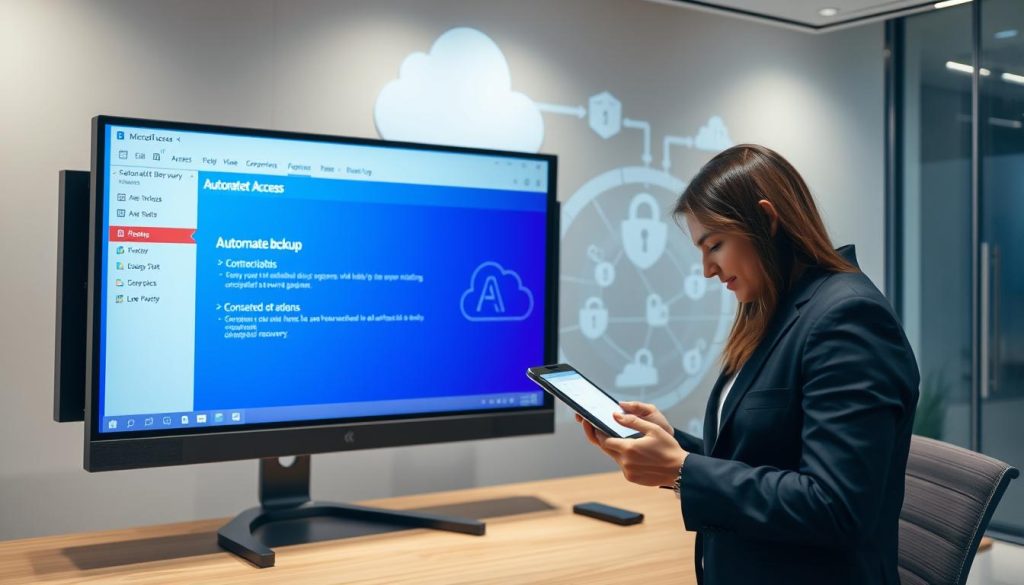
Automated nightly snapshots give me confidence that my business data is safe no matter what happens.
Nightly backups are included for all customers. My microsoft access databases are copied each night and stored in two geographically separated data centers at no extra cost.
I can recover an access database quickly after a failure. That speed minimizes downtime and keeps users productive.
- I rely on a resilient infrastructure designed for availability and fast recovery.
- These management and security features come with the service and add clear value to my investment.
- The virtual cloud solution gives scalability and performance while lowering the risk to my operations.
“Consistent, automated backups are the reason I trust this provider with my most critical records.”
Supporting Multiple Users and Simultaneous Access
My team now works from the same live database, and that single source of truth changed how we coordinate daily tasks.
The platform supports many concurrent users without conflict. According to Microsoft, each Access database can support up to 255 simultaneous users. That ceiling covers our needs as the team grows.
I found the service lets multiple people update records at once and keeps transactions clean. This reduces the versioning problems that used to happen with file sharing.
- I can rely on a stable desktop environment so users stay productive.
- The setup makes it simple to use microsoft access database for daily workflows.
- Simultaneous edits scale with our business and reduce admin overhead.
“The stable environment eliminated many of the conflicts we saw with traditional file transfer.”
Overall, moving to this model kept our databases consistent and let me focus on growth, not fixing concurrent-write issues.
Compatibility with Modern Devices and Browsers

I no longer worry whether a report will render on a phone or a desktop—it just works.
My team can open the same database from phones, tablets, laptops, or traditional desktops. We use Windows, Android, iOS, macOS, and Linux without special drivers or installs. This reliability keeps everyday tasks simple and predictable.
When using microsoft access in day-to-day work, everyone signs in through a browser and gets the same interface. The platform supports modern browsers, so setup is fast and training stays short.
- I can use microsoft access on any device because the service works in current browsers.
- The cloud desktop experience gives consistent menus and forms across devices.
- Using microsoft tools this way keeps my team productive while traveling or working remotely.
The compatibility of this solution is a major advantage. I rely on it to reach my data from any location with an internet connection. That flexibility has made the transition easier and kept workflows uninterrupted.
“Seamless device support let me focus on tasks, not troubleshooting.”
Integrating Additional Business Applications
I now run third-party tools beside my database on the same virtual desktop to reduce context switching.
This setup lets me install the exact software my team needs alongside microsoft access online. I keep invoicing, reporting, and specialty apps on one remote desktop so workflows stay in one place.
The result is faster task flow and fewer errors. Users open the same environment, grab the same records, and move between programs without copying files.
- I successfully combined other applications with my microsoft access database to boost efficiency.
- The platform allows custom desktops, so I add tools as my business evolves.
- Provider support helped install niche software and reduced setup time for my team of users.
“Having all my applications in one managed desktop keeps operations organized and easy to scale.”
Overall, integrating additional applications into the same remote desktops gave me a unified, productive environment for data and daily tasks.
Professional Support and Managed Services
Having experts handle daily management freed me to prioritize growth and product work.
I choose to use microsoft access with a fully managed provider because their team removes the IT burden from my plate. The service manages servers, backups, and security so I can focus on customers and strategy. Apps4Rent has served over 10,000 businesses in 90+ countries, which gave me confidence during the switch.
I rely on their experienced staff to resolve issues quickly and keep my database available. Their management covers patching, monitoring, and recovery. This reliable support makes the solution ideal for my company.
- I can use microsoft tools without worrying about server upkeep.
- The managed services team handles security and daily operations for my data.
- Fast customer response ensures minimal disruption for my desktops and users.
“The move to a managed solution gave me peace of mind and steady operations.”
Scalability for Growing Business Needs
As my team grew, I needed a platform that scales without constant hardware purchases.
The ability to resize resources on demand changed how I plan capacity and costs. Unlike on‑premises solutions, this service lets me add CPU, RAM, and storage without long lead times. That means I avoid large capital expenditures and reduce operational costs.
I use microsoft access for core workflows and an access database for reporting. When project load spikes, I increase resources for short windows and scale down after.
- I can adjust compute and storage quickly to match user demand and maintain performance.
- The platform removes hardware limits, so my databases grow with the business.
- Support and management tools help me monitor usage and control costs.
“Scalability means predictable performance and lower risk as we take on more work.”
Conclusion
Choosing a remote Microsoft solution transformed how I manage critical records and daily workflows.
Integrating microsoft access online with modern infrastructure gave my team better access and speed. Real‑time collaboration and simple scaling let me focus on core goals instead of routine IT tasks.
Moving my data to a managed environment improved security, cut costs, and made recovery predictable. My database runs reliably, and I see fewer interruptions in day‑to‑day work.
I recommend this approach to any professional who wants stable, secure, and flexible systems for their business. If you need dependable data tools that scale with growth, this solution delivered for me.